Standing desks can boost energy, improve posture, and enhance focus—but they’re not a magic fix. This guide breaks down the real benefits, potential downsides, and how to use a standing desk correctly for long-term health and productivity.
Key Takeaways
- Standing desks can reduce sedentary time: Sitting for long periods is linked to health risks like obesity and heart disease. Standing more throughout the day helps counteract this.
- They may improve focus and energy levels: Many users report feeling more alert and productive when alternating between sitting and standing.
- Proper setup is crucial: An incorrectly adjusted desk can cause back, neck, or foot pain. Ergonomics matter just as much as movement.
- Alternating is better than standing all day: Standing for 8 hours straight can lead to fatigue and circulation issues. The key is balance.
- Not all standing desks are created equal: Choose one that fits your height, workspace, and budget—manual, electric, or convertible options all have pros and cons.
- Lifestyle matters more than the desk: A standing desk supports healthy habits but won’t replace exercise, good nutrition, or regular breaks.
- Start slow and build up: Begin with 30–60 minutes of standing per day and gradually increase to avoid discomfort or injury.
Are Standing Desks Worth It for Better Health and Focus?
If you’ve ever felt sluggish after hours at your desk, you’re not alone. Many people struggle with low energy, back pain, and trouble concentrating during long workdays. Enter the standing desk—a popular solution that promises better health, sharper focus, and increased productivity. But are standing desks really worth the investment?
In this guide, we’ll explore the science behind standing desks, help you decide if one is right for you, and walk you through how to use it effectively. Whether you’re a remote worker, student, or office professional, you’ll learn practical tips to improve your posture, boost your energy, and make the most of your study or work setup.
By the end, you’ll know exactly how to choose, set up, and use a standing desk—without the pain or pitfalls.
What Is a Standing Desk?
A standing desk, also known as a stand-up desk, is a workstation designed to let you work while standing upright. Unlike traditional desks that encourage prolonged sitting, standing desks promote movement and better posture.
There are three main types:
Fixed Standing Desks
These desks are built at a set height, usually around 42–48 inches, ideal for standing. They’re sturdy and often more affordable, but you can’t switch to sitting without a separate chair or stool.
Adjustable Standing Desks (Sit-Stand Desks)
These are the most popular. You can raise or lower the desk to switch between sitting and standing. Options include:
- Manual crank desks: Use a hand crank to adjust height. Budget-friendly but slower to change.
- Electric desks: Push a button to move up or down. Convenient and smooth, but more expensive.
- Desktop converters: Sit on top of your existing desk. Affordable and portable, but may not be as stable.
Treadmill or Bike Desks
These combine a standing desk with a treadmill or stationary bike. They’re great for active movement but take up more space and can be distracting.
The Science Behind Standing Desks
You’ve probably heard that “sitting is the new smoking.” While that’s a bit dramatic, research shows that too much sitting increases the risk of:
- Obesity and weight gain
- Type 2 diabetes
- Heart disease
- Poor circulation
- Back and neck pain
A 2018 study published in the European Heart Journal found that replacing just 30 minutes of sitting with light activity (like standing) can improve heart health and reduce mortality risk.
Standing desks help by:
- Burning more calories—up to 50–100 extra per hour compared to sitting
- Improving blood flow and reducing fatigue
- Encouraging better posture and spinal alignment
- Boosting mental alertness and focus
But here’s the catch: standing all day isn’t the answer either. Prolonged standing can lead to:
- Foot, leg, or back pain
- Varicose veins
- Reduced circulation
The key is movement and variety. Alternating between sitting and standing gives your body the best of both worlds.
How to Choose the Right Standing Desk
Not all standing desks are created equal. Here’s how to pick one that fits your needs.
1. Measure Your Space
Before buying, check the dimensions of your room. Measure the width, depth, and ceiling height. Make sure there’s room for the desk, your chair, and any accessories like monitors or lamps.
2. Consider Your Height
Your desk height should allow your elbows to rest at a 90-degree angle when typing. For most people:
- If you’re under 5’4″, look for a desk that adjusts down to 22–24 inches.
- If you’re 5’4″ to 6’0″, aim for 24–28 inches.
- If you’re over 6’0″, choose a desk that goes up to 30+ inches.
3. Decide on Adjustability
Ask yourself:
- Do you want to switch between sitting and standing? → Choose an adjustable desk.
- Do you prefer to stand most of the time? → A fixed-height desk may work.
- Do you move around a lot or share the desk? → A portable converter might be best.
4. Check Weight Capacity
Make sure the desk can hold your computer, monitor, keyboard, and other gear. Most electric desks support 150–300 lbs.
5. Look for Stability
A wobbly desk can ruin your focus. Test reviews for stability, especially at full height. Electric desks with dual motors tend to be more stable.
6. Set a Budget
Prices vary widely:
- Desktop converters: $100–$300
- Manual crank desks: $200–$500
- Electric desks: $400–$1,500+
Start with a converter if you’re on a tight budget. Upgrade later if you love the setup.
How to Set Up Your Standing Desk Correctly
Even the best desk won’t help if it’s set up wrong. Follow these steps for optimal ergonomics.
Step 1: Adjust the Desk Height
When standing:
- Your elbows should be at 90 degrees, wrists straight.
- The top of your monitor should be at or slightly below eye level.
- Your shoulders should be relaxed, not hunched.
Step 2: Position Your Monitor
Place your screen about an arm’s length away (20–30 inches). Use a monitor stand or riser if needed. Dual monitors? Center them or place the main one directly in front.
Step 3: Set Up Your Keyboard and Mouse
Keep them at the same level, close together. Your wrists should be neutral—not bent up, down, or sideways. Consider an ergonomic keyboard or mouse if you have pain.
Step 4: Use a Supportive Mat
Standing on hard floors can hurt your feet and legs. An anti-fatigue mat provides cushioning and encourages subtle movement. Look for one with beveled edges to prevent tripping.
Step 5: Wear Comfortable Shoes
Skip the heels or flip-flops. Supportive shoes with arch support reduce strain. If you’re barefoot, make sure the mat is grippy and clean.
Step 6: Add a Stool or Perch Chair (Optional)
A high stool lets you “perch” in a semi-standing position. It’s easier on your legs than full standing but better than sitting all day.
How to Use a Standing Desk Effectively
Buying a desk is just the first step. Using it correctly is what makes it worth it.
Start Slow
Don’t stand for 8 hours on day one. Begin with 20–30 minutes of standing per hour. Gradually increase to 1–2 hours total per day over a few weeks.
Follow the 20-8-2 Rule
A popular guideline:
- Sit for 20 minutes
- Stand for 8 minutes
- Move (stretch, walk, etc.) for 2 minutes
This keeps your body active without overdoing it.
Listen to Your Body
If you feel pain in your feet, legs, or back, sit down. Discomfort is a sign to adjust your setup or take a break.
Move While You Stand
Standing still isn’t much better than sitting. Shift your weight, stretch your legs, or do calf raises. Some people even use balance boards for gentle movement.
Schedule Standing Time
Set reminders to switch positions. Use a timer, app, or calendar alerts. Try standing during:
- Phone calls
- Reading or reviewing documents
- Brainstorming sessions
Combine with Other Healthy Habits
A standing desk works best when paired with:
- Regular exercise (30 minutes most days)
- Good hydration
- Eye breaks (follow the 20-20-20 rule: every 20 minutes, look at something 20 feet away for 20 seconds)
- Healthy snacks and meals
Common Mistakes to Avoid
Even with the best intentions, people make mistakes. Here’s how to avoid them.
Mistake 1: Standing Too Much, Too Soon
Jumping into 6 hours of standing can cause fatigue and injury. Build up gradually.
Mistake 2: Ignoring Ergonomics
A poorly adjusted desk leads to neck strain, wrist pain, and poor posture. Always check your setup.
Mistake 3: Not Moving Enough
Standing still isn’t active. Shift your weight, stretch, or walk around.
Mistake 4: Skimping on Accessories
A good mat, supportive shoes, and proper lighting make a big difference. Don’t skip them.
Mistake 5: Expecting Instant Results
It takes time to see benefits. Be patient and consistent.
Troubleshooting Common Issues
Problem: My feet hurt after standing.
Solution: Use an anti-fatigue mat and wear supportive shoes. Try alternating with a stool. Reduce standing time and build up slowly.
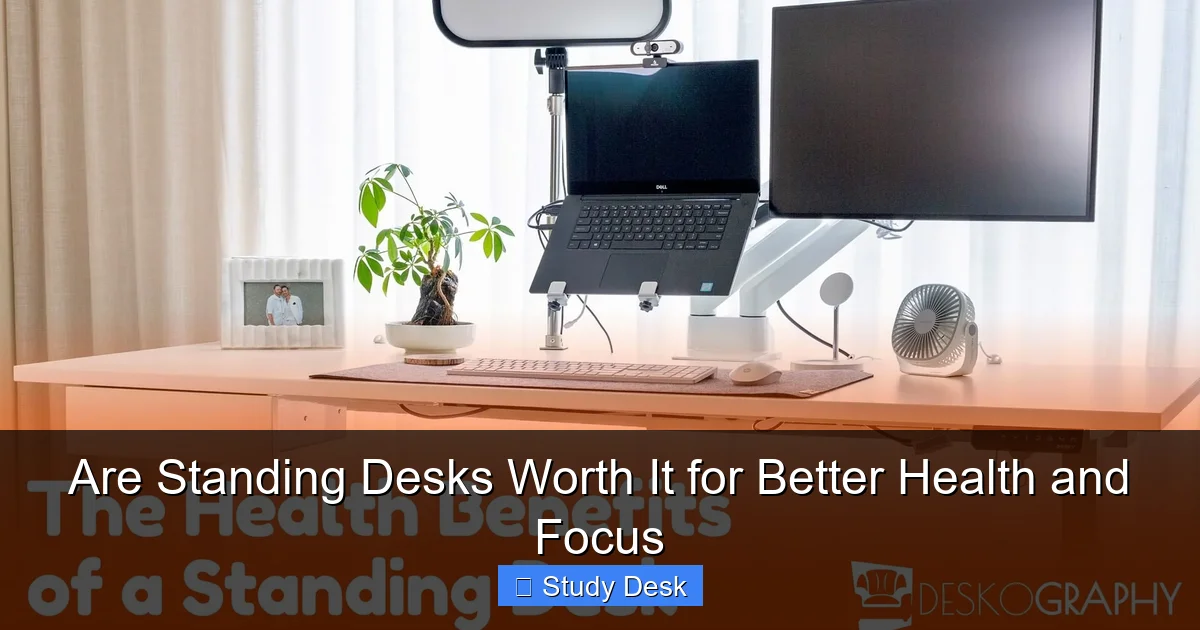
Visual guide about Are Standing Desks Worth It for Better Health and Focus
Image source: deskography.org
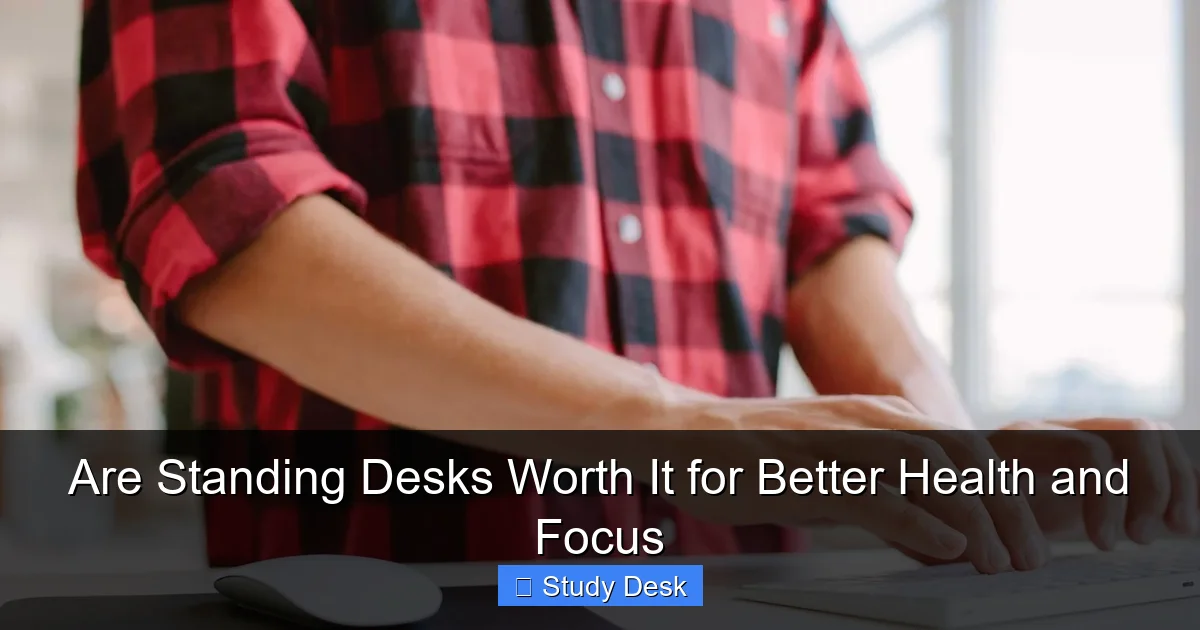
Visual guide about Are Standing Desks Worth It for Better Health and Focus
Image source: henryford.com

Visual guide about Are Standing Desks Worth It for Better Health and Focus
Image source: beststandingdesks.com.au
Problem: My back still aches.
Solution: Check your posture. Keep your spine neutral, shoulders back, and core engaged. Adjust desk height if needed.
Problem: I get tired quickly.
Solution: You may be standing too much too soon. Follow the 20-8-2 rule and take more breaks.
Problem: The desk wobbles.
Solution: Tighten bolts and screws. Place the desk on a flat, stable surface. Avoid overloading one side.
Problem: I forget to switch positions.
Solution: Set phone or computer reminders. Use a timer app like Stand Up! or Time Out.
Are Standing Desks Worth It? The Final Verdict
So, are standing desks worth it?
For most people, yes—but with caveats.
Standing desks aren’t a cure-all, but they’re a powerful tool for reducing sedentary time, improving posture, and boosting focus. Studies show they can help with weight management, circulation, and mental clarity.
However, they work best when used correctly. That means:
- Alternating between sitting and standing
- Maintaining good ergonomics
- Moving regularly
- Pairing with a healthy lifestyle
If you’re ready to try one, start small. A desktop converter lets you test the waters without a big investment. If you love it, upgrade to a full adjustable desk.
Remember: the goal isn’t to stand all day—it’s to move more and sit less.
Final Tips for Long-Term Success
- Track your progress with a journal or app.
- Involve coworkers or family to stay motivated.
- Keep your workspace clutter-free to reduce stress.
- Reassess your setup every few months.
- Stay consistent—small changes add up over time.
A standing desk can be a game-changer for your health and productivity. But like any tool, it’s only as good as how you use it. With the right approach, you’ll stand taller, feel better, and work smarter.